
 By Sagoh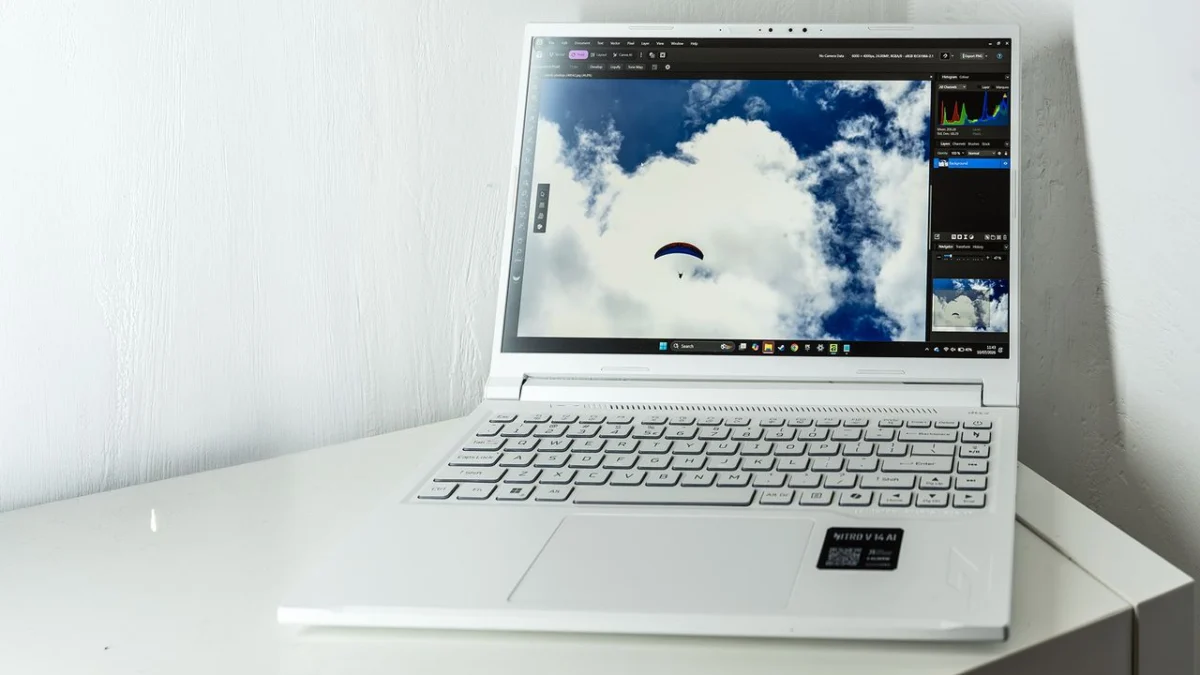
In the rapidly evolving landscape of personal computing, the term "AI" has become a mandatory suffix for any new hardware release. The latest addition to this trend is the Acer Nitro V 14 AI, a machine that sits at a curious crossroads. Historically, the Nitro line was synonymous with entry-to-mid-level gaming—functional, affordable, and distinctly utilitarian. However, as it transitions into the "Copilot+ PC" era, the Nitro V 14 aims to break out of the gaming silo, positioning itself as a legitimate contender for creative professionals who need substantial power without the aesthetic baggage of a traditional, aggressive "gamer" laptop.
Main Facts: Redefining the Nitro Identity
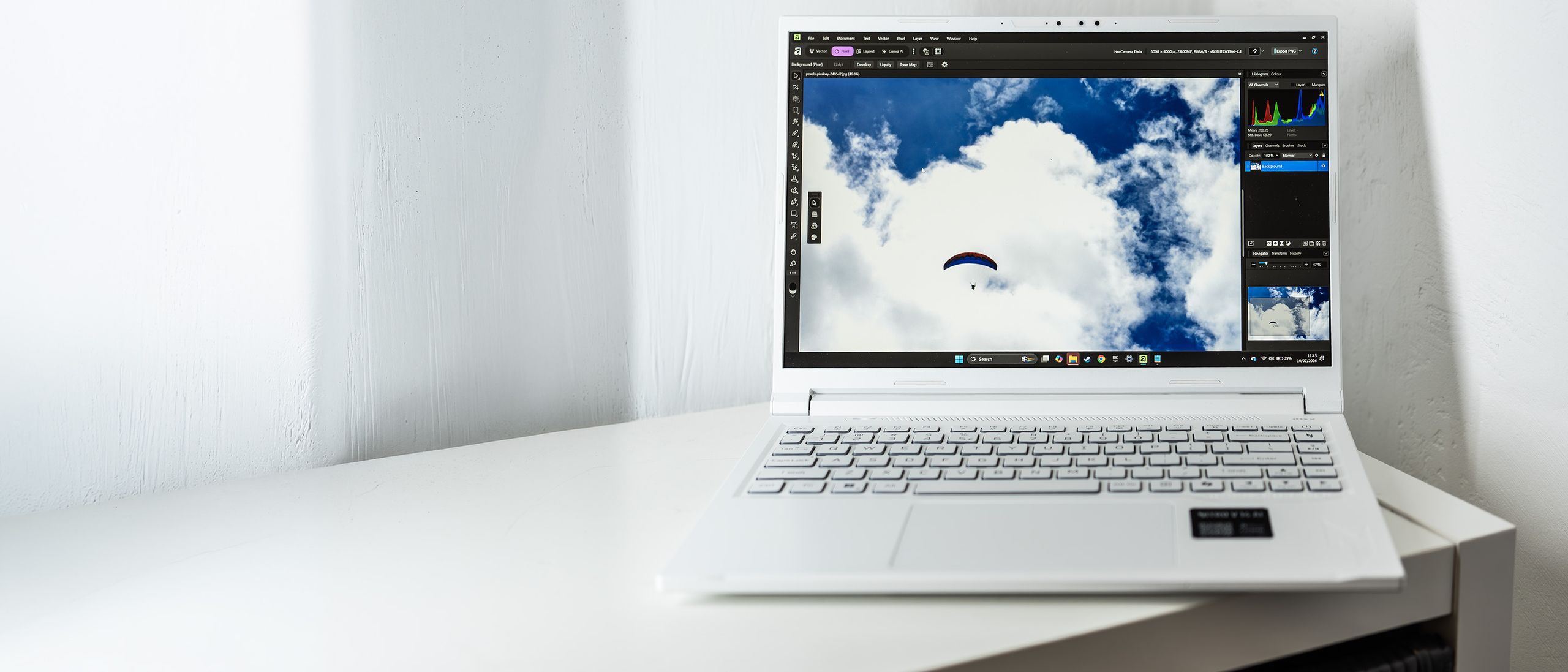
The Acer Nitro V 14 AI is a 14-inch powerhouse that dares to be different. Moving away from the ubiquitous "gamer black" chassis, it sports a striking white-and-blue color scheme that feels like a modern, high-performance callback to the iconic, clean design language of the 2007 ASUS EeePC. Yet, beneath the clean white plastic exterior lies a formidable configuration: an eight-core AMD Ryzen 7 350 processor (from the latest Strix Point generation) paired with an Nvidia GeForce RTX 5060 graphics card.
Perhaps the most significant differentiator is the inclusion of 32GB of DDR5 RAM as standard. In a market where many gaming laptops still ship with 16GB, Acer is clearly signaling that this machine is intended for heavy lifting in applications like Adobe Premiere Pro, Lightroom, and 3D modeling software. While the price has climbed to near-MacBook Pro levels, the Nitro V 14 offers a level of hardware accessibility—including an empty M.2 slot for storage expansion and replaceable RAM modules—that is increasingly rare in premium portable workstations.
A Chronology of the Nitro Evolution
The trajectory of the Nitro series is a fascinating case study in brand positioning.
- 2014–2018: The Entry-Level Foundation. Acer introduced the Nitro brand to bridge the gap between office-grade laptops and high-end gaming rigs like the Predator series. During this phase, it was defined by its price-to-performance ratio, often sacrificing build quality for better silicon.
- 2019–2022: Refinement and Mid-Range Stability. As gaming laptops became more mainstream, the Nitro range gained better cooling solutions and improved screen options, cementing its reputation as the go-to for budget-conscious gamers.
- 2023–2024: The Pivot to AI and Productivity. With the advent of NPU-integrated chips (Ryzen AI) and the industry-wide push toward Copilot+ integration, the Nitro line underwent a fundamental shift. It moved away from "cheap gaming" toward "versatile performance," aiming to capture the demographic of designers, editors, and creators who need a GPU for rendering but prefer a machine that doesn’t look like it belongs in a basement tournament.
Supporting Data: Performance Under Pressure
Our testing suite, which includes Geekbench, Cinebench, and PugetBench for Creators, highlights that the Nitro V 14 is a nuanced performer.
Processing and Graphical Prowess
The AMD Ryzen 7 350 chip, utilizing a mix of high-performance Zen 5 and efficient Zen 5c cores, manages to handle 16 threads with ease. In the Geekbench 6 multi-core benchmark, it sits comfortably within 8% of the Apple MacBook Air M5, proving that for multi-threaded creative workflows, it remains a competitive option.
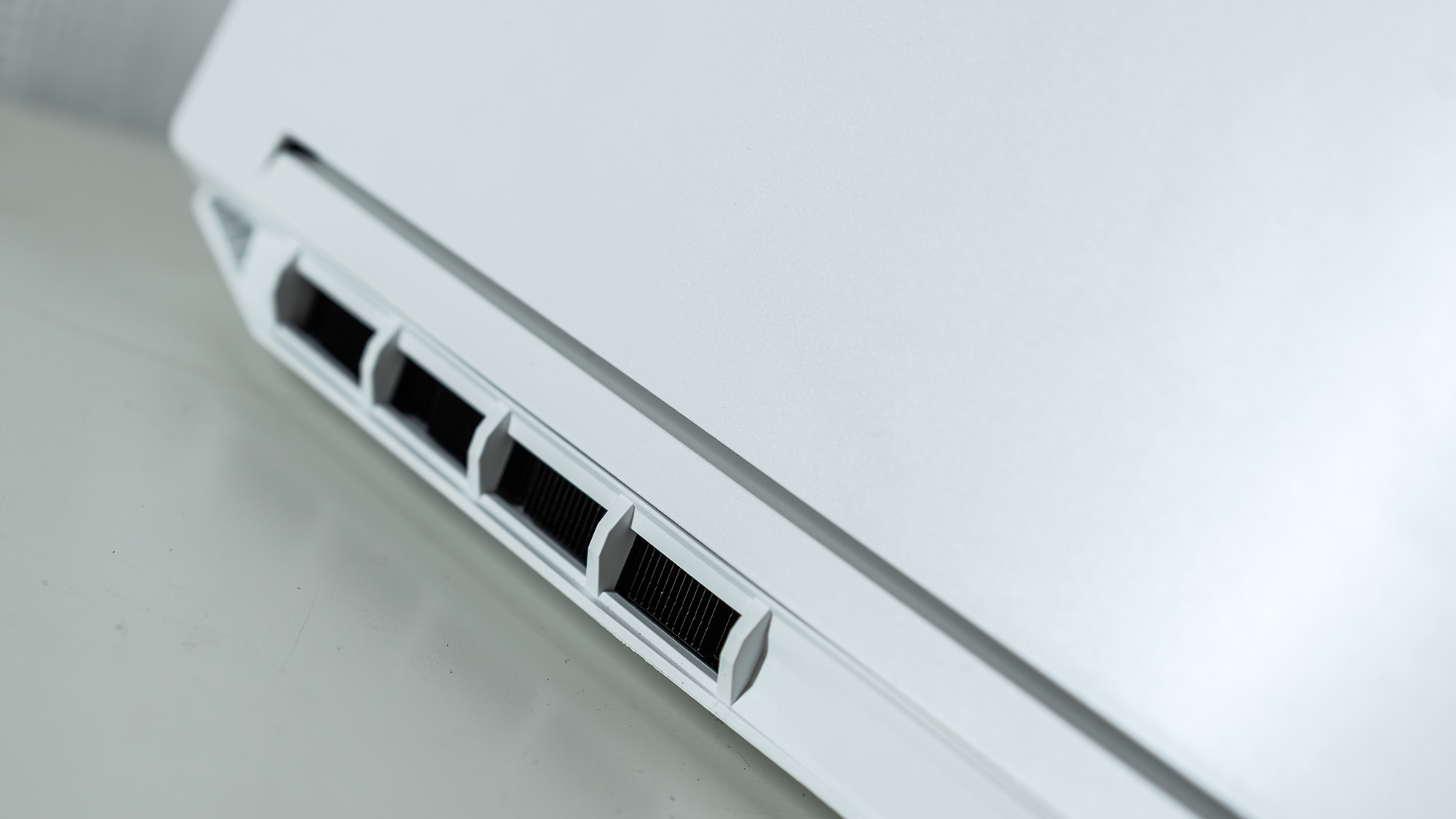
However, the GPU performance tells a more complex story. The RTX 5060 is capped at a 60W power limit. While this is a significant drop from the 100W potential of the mobile 5060, the trade-off is evident: the laptop remains impressively quiet, even under load, and avoids the extreme thermal throttling that plagues smaller, high-wattage machines. It performs admirably in Adobe suite tasks, though it struggles in specific AI-heavy workloads like Stable Diffusion, where it lags behind Intel and Qualcomm Snapdragon counterparts.
Display and Ergonomics
The 14-inch IPS display, boasting a 165Hz refresh rate and a 2560 x 1600 resolution, is clearly optimized for motion. While it hits 400 nits of brightness—sufficient for most indoor office environments—its color gamut coverage (79% DCI-P3) may leave high-end color graders wanting more. For the average graphic designer or content creator, however, the display is crisp, responsive, and reliable.
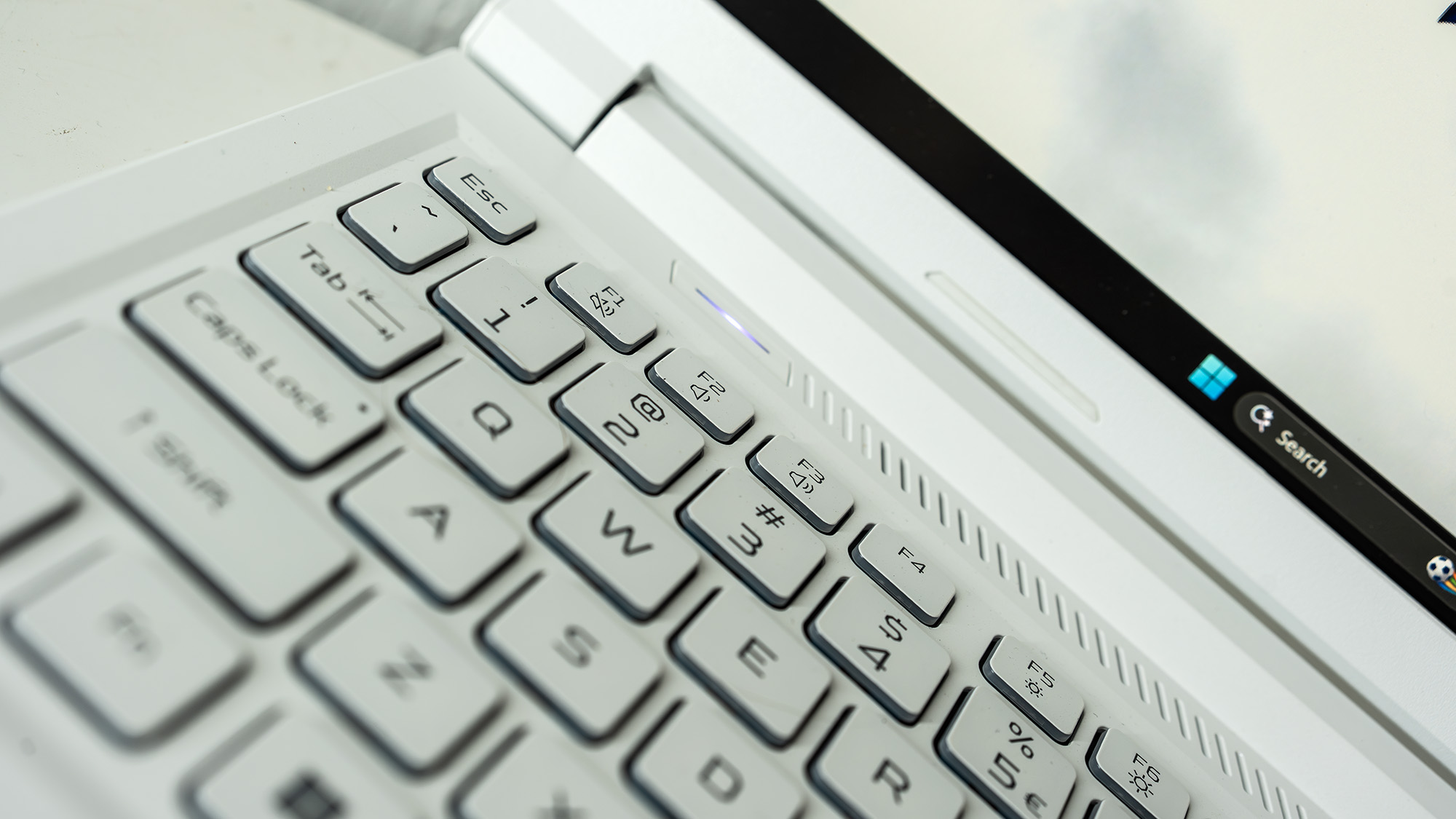
The keyboard, maintaining the white color scheme with a sharp blue backlight, offers excellent travel and tactile feedback. The inclusion of dedicated media buttons and a direct key for the "Nitrosense" control panel adds a layer of productivity that many minimalist laptops omit.
Official Responses and Manufacturer Intent
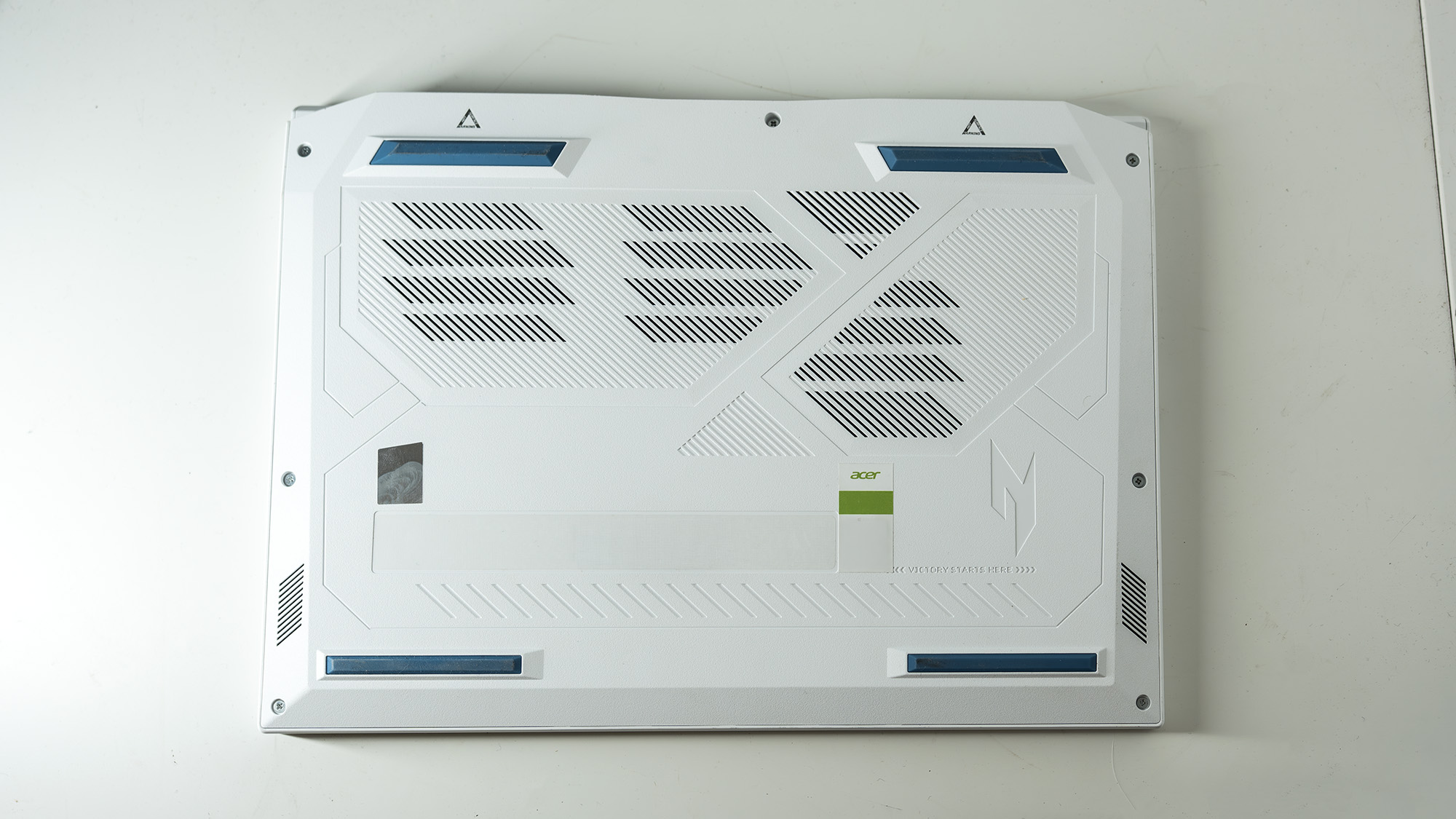
Acer’s strategy with the Nitro V 14 AI is clearly centered on "upgradable versatility." In an era where manufacturers like Apple are moving toward fully soldered components, Acer’s decision to keep the base accessible via standard Philips-head screws is a deliberate design choice aimed at longevity.

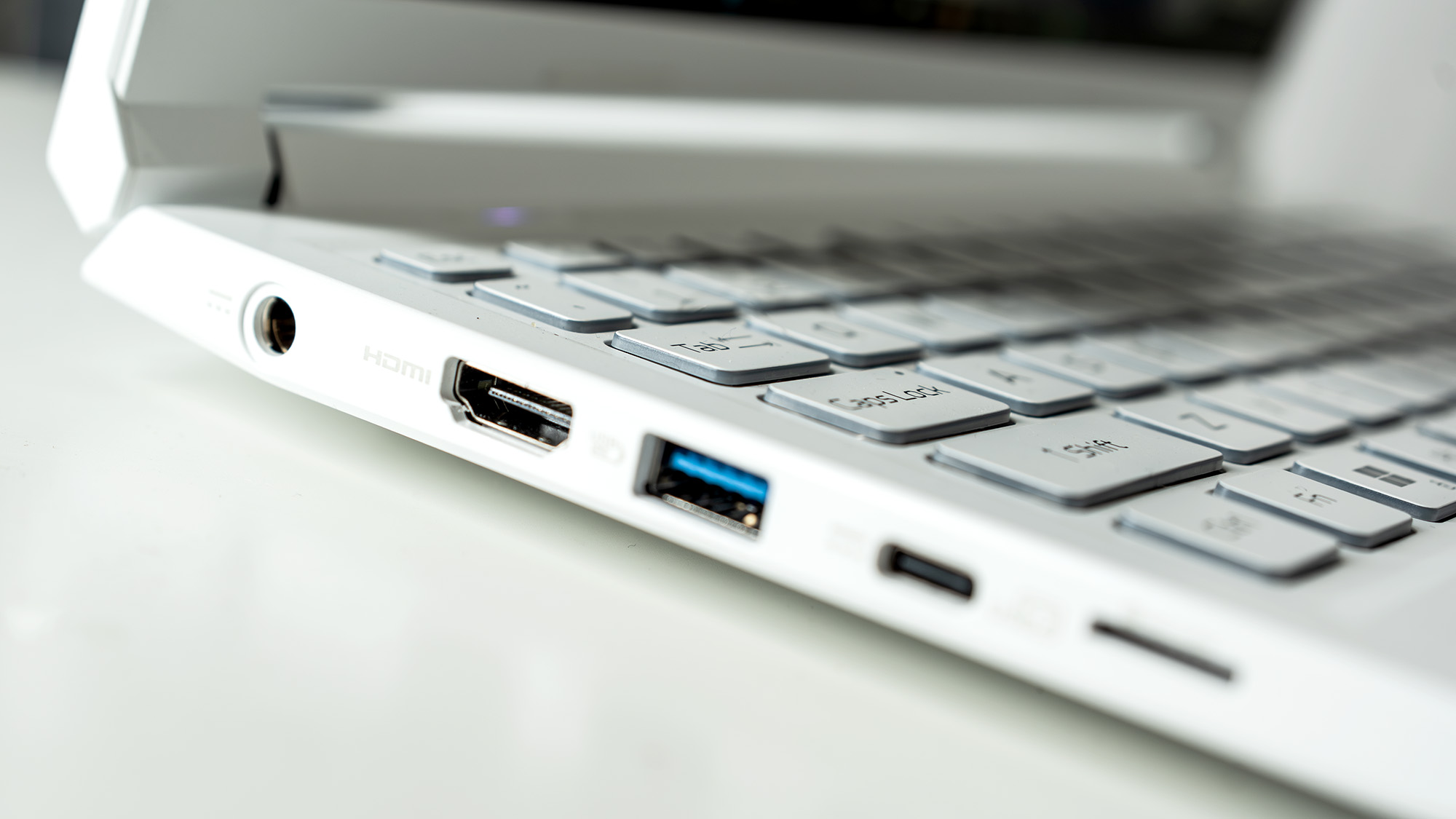
While the official manual remains sparse on repair instructions, the physical reality of the machine is that it is a "tinkerer’s dream." Users can upgrade the storage, swap the Wi-Fi card, and replace the RAM. This signals a response to a growing consumer demand for "right to repair" and long-term value, acknowledging that a laptop bought today should be relevant for the next four or five years.
Implications: Who Should Buy This?
The Nitro V 14 AI occupies a unique space. It is not the fastest machine on the market, nor is it the thinnest. However, it represents a "balanced compromise" for a specific set of users:
- The Hybrid Creative: If you spend your day editing video in Premiere Pro and your evening playing competitive shooters, this machine serves both masters. Its 32GB of RAM is a massive boon for the former, while the 165Hz screen and RTX 5060 cater to the latter.
- The Budget-Conscious Professional: While the price is premium, it is significantly more attainable than a high-spec MacBook Pro. By choosing the Nitro, users get similar levels of creative performance for a lower barrier to entry.
- The "Anti-Black-Laptop" Crowd: There is a refreshing aesthetic quality to the white-and-blue design. It feels professional enough for a client meeting but distinct enough to avoid the "corporate gray" fatigue.
Potential Drawbacks
Prospective buyers should be aware of the compromises. The 60W GPU limit means it will never be a "desktop replacement" for 3D rendering. The lack of 4K native support on the internal screen means you will likely need an external monitor for precision work. Furthermore, while the battery life is "not completely awful"—clocking in at five and a half hours in our video loop test—it is certainly not a true all-day machine. You will need to keep the 135W charger close at hand.
Final Verdict: A New Direction for Nitro
The Acer Nitro V 14 AI is a testament to the fact that "gaming" hardware is no longer just for gaming. By leaning into the creative potential of its 32GB RAM and efficient AMD architecture, Acer has successfully rebranded a legacy line into something that feels fresh, capable, and surprisingly professional.
It is a laptop that asks the user to prioritize utility over absolute peak performance. For the creative professional who wants a machine that can be opened, upgraded, and used for everything from high-intensity design to high-refresh-rate gaming, the Nitro V 14 is a compelling, eye-catching, and surprisingly smart purchase. It isn’t just a gaming laptop; it is a creative tool that happens to play games very well. As we look toward the future of mobile computing, this balance of accessibility, power, and aesthetic departure from the norm may well become the new standard.
 Raul Delapena Setiawan
  Ammar Sabilarrohman
  Muslim