
 By Azzam Bilal Chamdy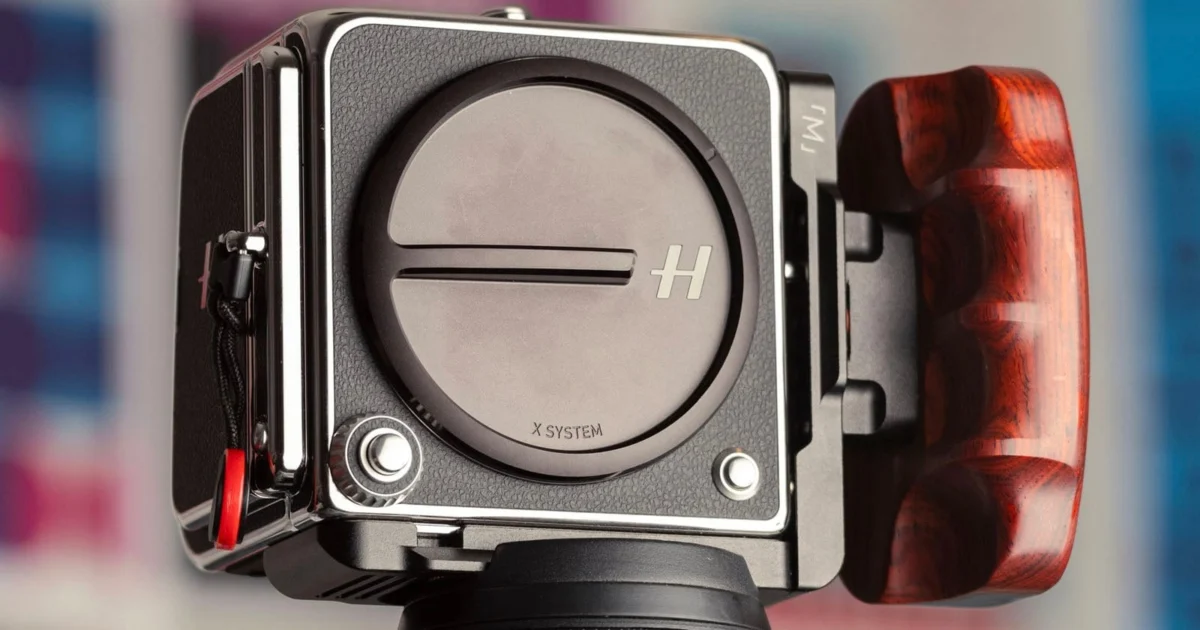
Few brands carry the mythological weight of Hasselblad. Steeped in a legendary photography heritage, it was the camera brand selected by NASA to document humanity’s first tentative steps on the Moon. Decades of meticulous Swedish engineering have birthed some of the most polished, premium imaging tools ever manufactured. From their rugged physical builds and arguably superior optical performance to Leica, to an unmatched color science and streamlined menu interfaces, Hasselblad cameras stand as monuments to luxury craftsmanship. Paired with Phocus 2—widely regarded as the industry’s most refined mobile app companion—the brand presents a cohesive ecosystem dedicated to the purist.
Yet, even the most exalted design traditions are not entirely immune to friction. After spending over a month living with the Hasselblad 907X and the CFV 100C digital back, a critical examination reveals a distinct gap between historical mastery and modern usability. While Hasselblad’s design rationale has always prioritized simplicity—ensuring the hardware does one thing and does it exceptionally well—certain quirks and oversights persist. Blending decades of high-end photography experience with modern product design and User Experience (UX) principles, here is a deep dive into where Hasselblad can elevate the 907X and CFV 100C ecosystems from exceptionally boutique to practically flawless.
Main Facts: The Intersection of Heritage and Modern Medium Format
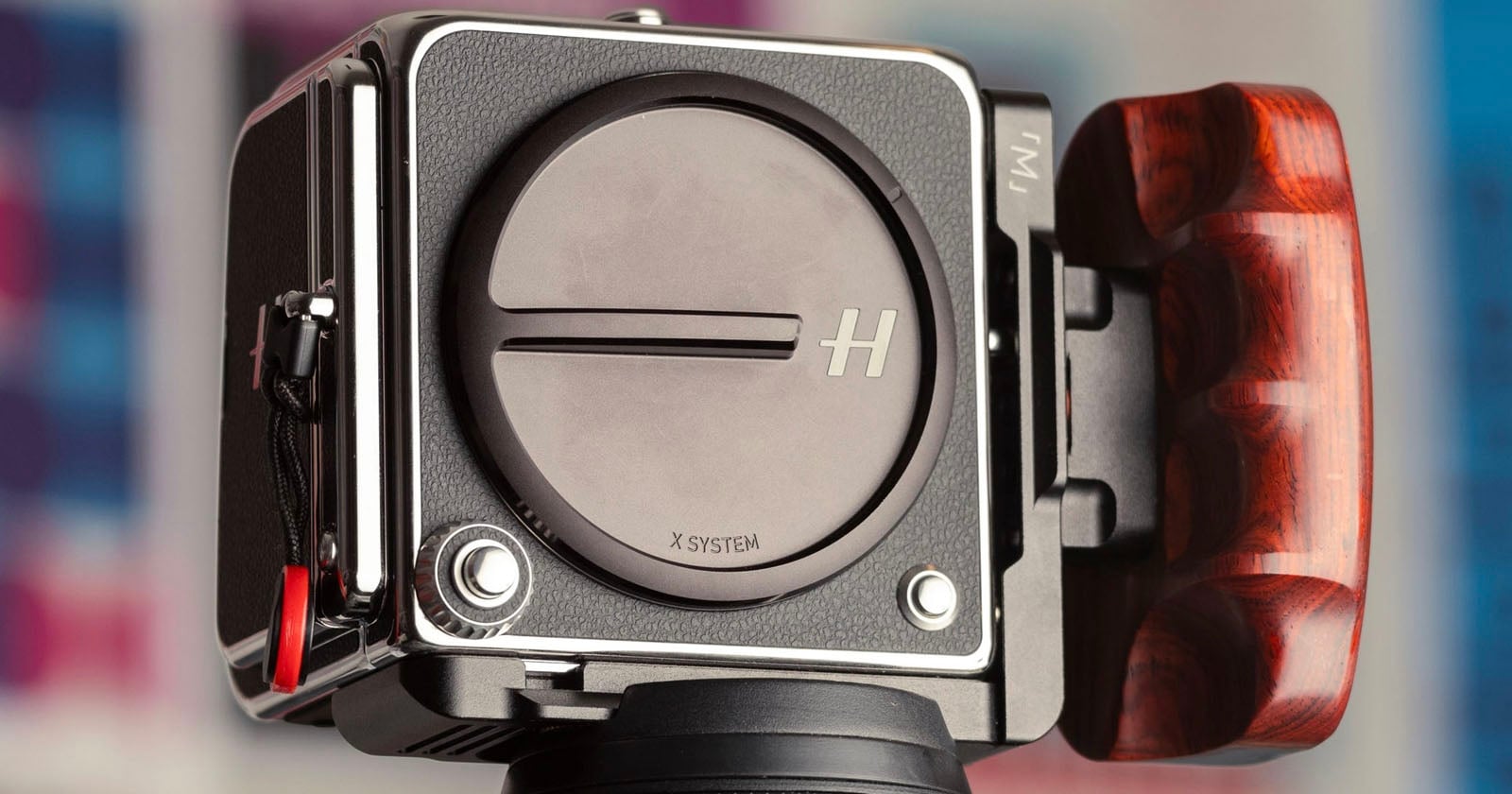
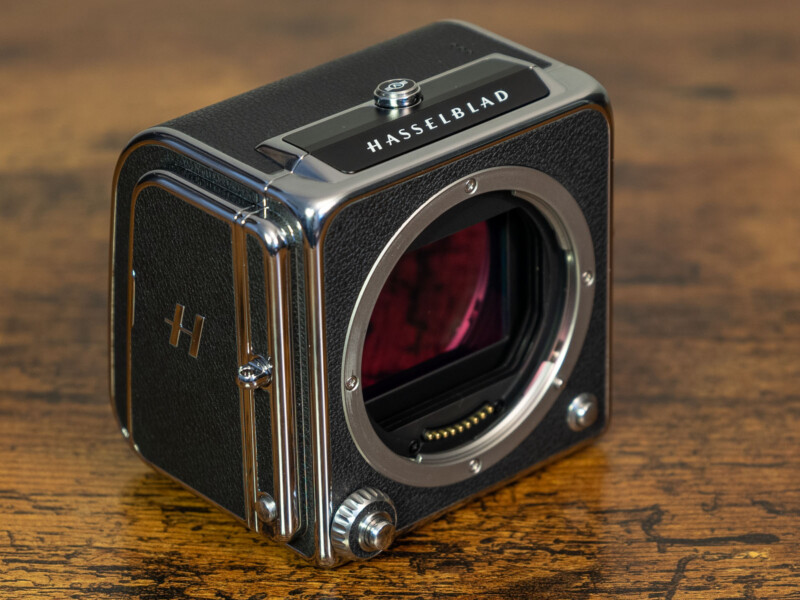
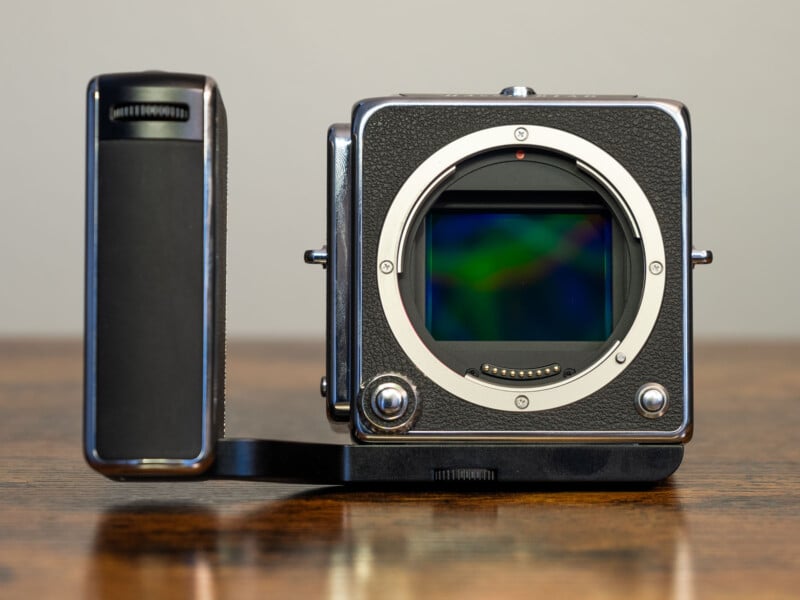
The Hasselblad 907X paired with the CFV 100C digital back represents an intriguing bridge between digital innovation and analog nostalgia. The hardware architecture separates the core digital processing power into the digital back (the CFV 100C), while the 907X body serves primarily as an interface connecting modern XCD lenses to that digital powerhouse. Alternatively, the CFV 100C back can be uncoupled and mounted onto vintage V-system film cameras, offering a hybrid shooting experience that marries modern 100-megapixel sensors with classic mechanical bodies.
However, this unique modularity brings distinct challenges. Because medium format systems inherently lack features common in smaller-sensor cameras—such as in-body image stabilization (IBIS) on the 907X platform—photographers must adapt their techniques to mitigate camera shake. Furthermore, uncompressed RAW files scaling up to 200MB per frame place heavy demands on storage management. While the hardware design philosophy leans toward minimalist elegance, it occasionally crosses the line into operational inflexibility.
Chronology: A Month-Long UX Audit in the Field
The insights detailed below were compiled following a rigorous, month-long field test of the 907X and CFV 100C combination. Evaluating the camera across various genres—ranging from deliberate landscape sessions to street photography—provided a clear picture of how its physical controls and firmware behave under real-world pressures.
- Week One (Ergonomics and Dials): Initial impressions praised the build quality, but immediate friction emerged around manual exposure adjustments, highlighting the awkward "hold-and-rotate" requirement of the rotary dial and Fn button.
- Week Two (Field Shooting & Leveling): Outdoor landscape shooting under harsh daylight exposed the limitations of checking the electronic "Spirit Level" on a glossy LCD screen, leading to missed opportunities for rapid horizontal alignment.
- Week Three (Optics and Focus Rings): Testing "P" series lenses revealed software limitations regarding focus ring re-binding, contrasting sharply with the expectation of fully customizable fly-by-wire mechanics.
- Week Four (Workflow and Storage): Managing massive, uncompressed 200MB RAW files while executing bracketed shots to combat the lack of IBIS highlighted the urgent need for smarter compression and power user customization.
Supporting Data: Examining the Friction Points
To understand how Hasselblad can refine its user experience, we must examine eight specific areas where hardware capabilities and software features currently fall short of their potential.
1. 907X Rotary Dial Customization
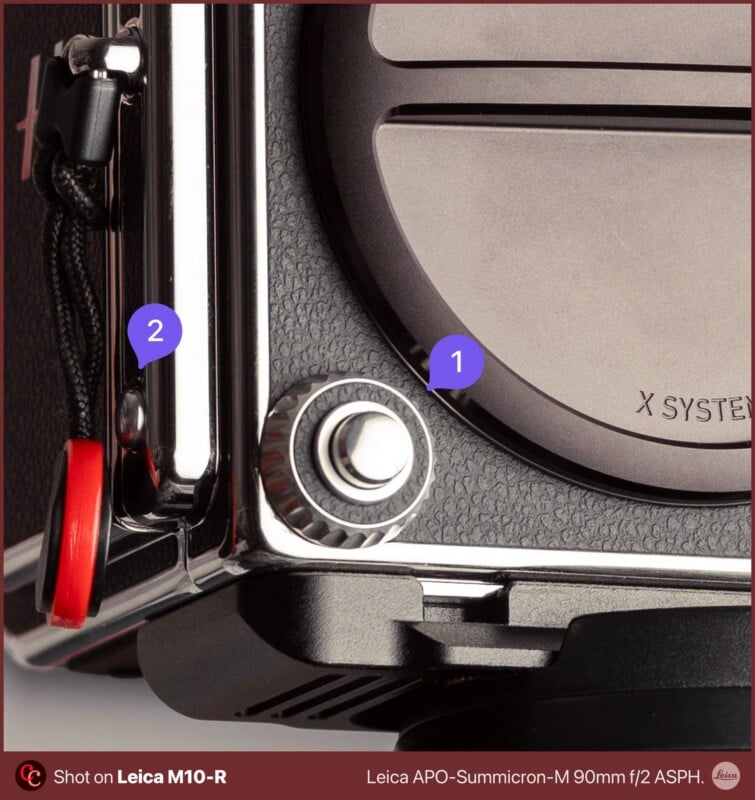
By far the most confounding operational quirk on the 907X system is the implementation of its rotary dial. Positioned neatly around the shutter button, this dial adjusts aperture in Aperture Priority mode and shutter speed in Shutter Priority mode. However, when switched to Manual mode, it exclusively controls the aperture.
To alter the shutter speed in Manual mode, a user must awkwardly hold down a secondary Function (Fn) button on the right side of the camera while rotating the dial. Pressing and holding a button while spinning a wheel simultaneously is counterintuitive and slow. At a bare minimum, this Fn button should support a "Toggle" mode rather than a strict "Hold" mode. Furthermore, users should be able to invert the clockwise and counterclockwise operating directions of the dial to match personal preferences.
2. Haptic Feedback or Audible Beeps for Horizon Alignment
Hasselblad cameras are celebrated tools for landscape and architectural photography, fields where precise horizon alignment is paramount. While traditional V-system film cameras offered crosshair focusing screens for instant visual leveling, digital iterations rely on an accelerometer-driven "Spirit Level."
Under bright, direct sunlight, checking a virtual bubble level on an LCD screen is frequently difficult. Integrating haptic feedback—similar to the subtle vibrations used by Apple’s mobile devices when a frame is perfectly level—or an optional audible beep would allow photographers to confirm alignment without breaking eye contact with their composition.
3. Default Leaf Shutter Engagement with XCD Lenses
XCD lenses utilize integrated leaf shutters rather than focal plane shutters housed inside the camera body. These leaf shutters remain closed until an exposure is triggered. While photographers occasionally need to use the camera’s Electronic Shutter (primarily when adapting legacy third-party lenses like Leica glass), the electronic shutter introduces severe rolling shutter artifacts. The camera firmware should default to utilizing the lens’s mechanical leaf shutter whenever a native XCD lens is attached, requiring users to actively opt-in if they wish to switch to the electronic shutter.
4. Customization of Aperture Ring Direction
For photographers who transition between multiple camera systems, muscle memory dictates how physical controls operate. The inability to reverse the rotational direction of the lens aperture ring via firmware represents a missed opportunity for cross-system parity. Simple software overrides for control directions would significantly smooth the user transition.

5. Customization of Focus Rings on "P" Series Lenses
Hasselblad’s "P" series lenses feature a minimalist single-ring design dedicated exclusively to manual focus. However, because these modern lenses rely on "fly-by-wire" electronic communication rather than a direct mechanical linkage to internal helicoids, locking them strictly to manual focus is a software limitation, not a hardware constraint. Allowing users to rebind this ring to control aperture via firmware would unlock a powerful dual-control paradigm: shutter speed on the rotary dial and aperture directly on the lens ring.
6. The Need for Lossless RAW Compression
At roughly 200MB per uncompressed RAW file, shooting with the CFV 100C demands heavy storage management. While medium format workflows are naturally deliberate, the lack of in-body image stabilization (IBIS) on the 907X platform frequently forces cautious landscape photographers to capture multiple bracketed or redundant frames to ensure sharpness against micro-vibrations. Incorporating a robust, mathematically lossless compression algorithm would drastically shrink file footprints without degrading image fidelity, easing the burden on storage cards and computer drives alike.
7. Gyro AF Lock Integration
The Leica Q series introduced an extraordinary feature known as Gyro AF Lock, which utilizes internal gyroscope telemetry to maintain a locked focus point even if the user recomposes the framing after half-pressing the shutter. Because the Hasselblad system already houses an internal gyroscope to power its electronic spirit level, no new hardware is required to implement this feature. Bringing Gyro AF Lock to Hasselblad bodies would eliminate the constant need to manually reposition focus points via touchscreen or joysticks between rapid shots.
8. Enhanced LCD and Post-Shot Preview Controls
When utilizing the CFV digital back on a vintage V-system film body, the LCD screen automatically illuminates with an image preview after every single actuation. For photographers seeking a pure, distraction-free analog experience—effectively wishing to shoot with a "black screen"—the current firmware offers no straightforward way to disable post-shot reviews when paired with legacy 500-series bodies. Expanding the Display settings beyond basic brightness and VRR options to include a disable toggle for post-shot previews would greatly respect the purist workflow.
Official Responses and Industry Context
Hasselblad’s overarching product design philosophy has always championed minimalism. By deliberately avoiding overly complex, labyrinthine menu systems—the kind often joked about in the consumer mirrorless market—Hasselblad aims to keep the photographer’s mind focused entirely on framing, light, and subject matter.
While the company has not issued a direct statement regarding this specific set of UX critiques, firmware updates for the X2D and CFV/907X ecosystems have historically demonstrated a willingness to listen to community feedback. Features like expanded exposure tools and custom button mappings have evolved iteratively through software patches, suggesting that user-driven ergonomic appeals do not fall on deaf ears in Gothenburg.
Implications: Balancing Simplicity with Agility
The friction between minimalist purism and modern efficiency highlights a broader philosophical debate in high-end camera design. On one hand, stripping away extraneous options preserves the meditative, deliberate nature of medium format photography. On the other hand, high-end tools must remain agile enough to prevent operational frustration in the field.
If Hasselblad chooses to address these targeted UX enhancements—such as toggleable rotary dial functions, lossless RAW compression, and haptic level feedback—they will not dilute the brand’s legendary heritage. Instead, they will refine it. By removing minor physical and software hurdles, Hasselblad can ensure that shooting with a 907X or CFV 100C feels less like navigating an obstacle course of stubborn design choices, and more like what it was always meant to be: a seamless extension of the artist’s vision.
 Basiran
  Lina Irawan
  Asep Darmawan