 By Nana Muazin
As short-form video continues to dominate the digital landscape, Instagram Reels have firmly cemented their position as the platform’s primary engagement engine. Accounting for an astounding 46% of total user time spent on the app, Reels represent an unmissable opportunity for brands, creators, and marketers looking to expand their digital footprint.
While organic distribution relies entirely on the whims of Instagram’s algorithm, a powerful shortcut exists: the boosted Reel. By transforming existing organic video content into paid advertisements directly within the app—or through integrated social management platforms like Hootsuite—marketers can bypass the complex, desktop-bound workflows of Meta Ads Manager.

This comprehensive guide explores the mechanics of boosted Instagram Reels, eligibility requirements, step-by-step execution, budget optimization, and advanced industry insights from marketing veteran Jason Keath, co-founder of Social Fresh.
What is a Boosted Instagram Reel?
A boosted Instagram Reel is an organic short-form video that a user or brand pays to promote to a broader, targeted audience over a chosen budget and timeframe. Without ever opening Meta Ads Manager, Instagram seamlessly converts the organic post into a live ad.

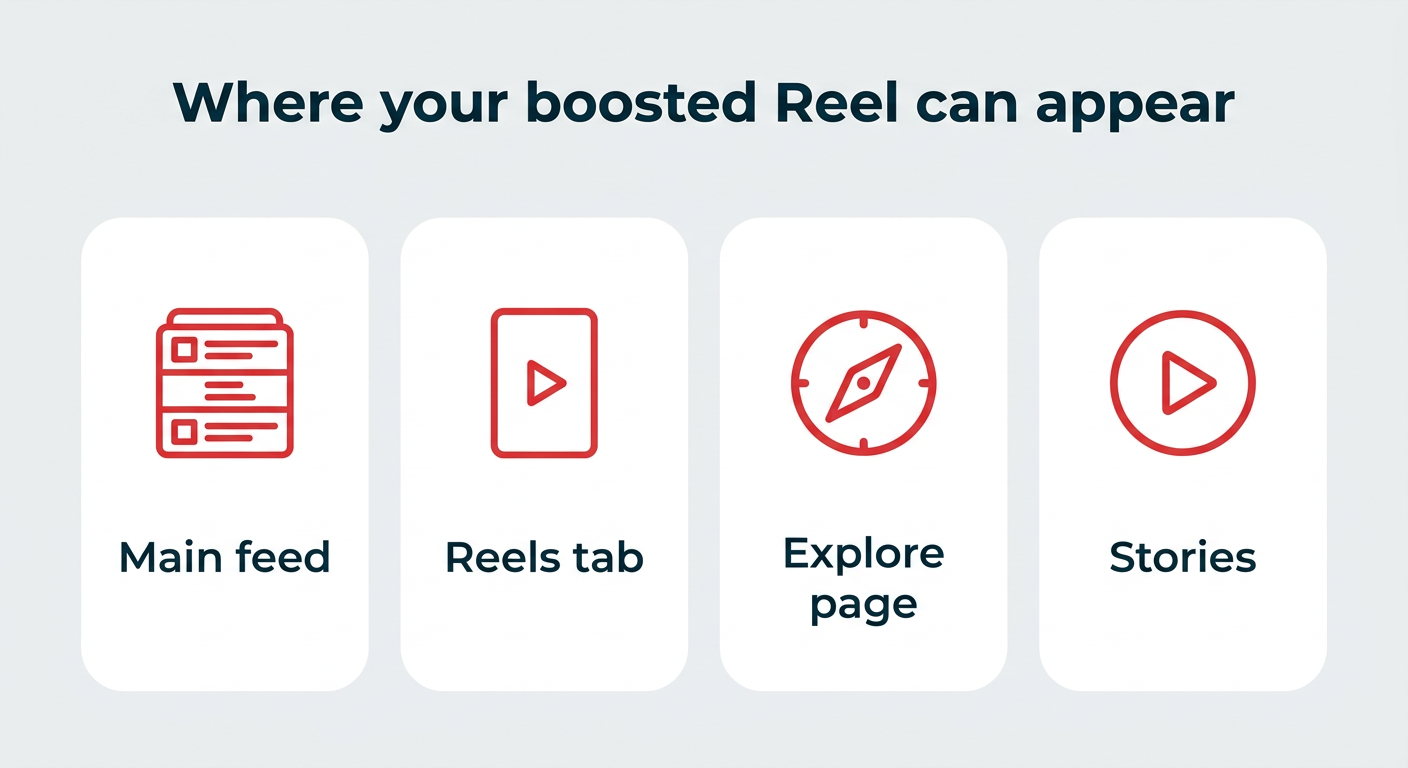
Once boosted, your Reel breaks out of standard follower feeds to appear across prime digital real estate:
- The main Instagram feed
- The dedicated Reels tab
- The Explore page
- Instagram Stories
Unlike purely organic content, which is subjected to the fluctuating organic algorithm, boosted Reels offer predictable distribution and targeted audience reach. However, they remain significantly simpler than full-scale ad campaigns, trading deep customization and conversion-tracking features for unmatched speed and ease of use.
Eligibility Requirements: Can Your Reel Be Boosted?
Before committing budget to a promotion, creators must ensure their content meets Instagram’s strict operational and legal criteria. Personal accounts are entirely locked out of promotion features; you must operate a business or creator account to proceed.
Furthermore, the specific video must adhere to these guidelines:
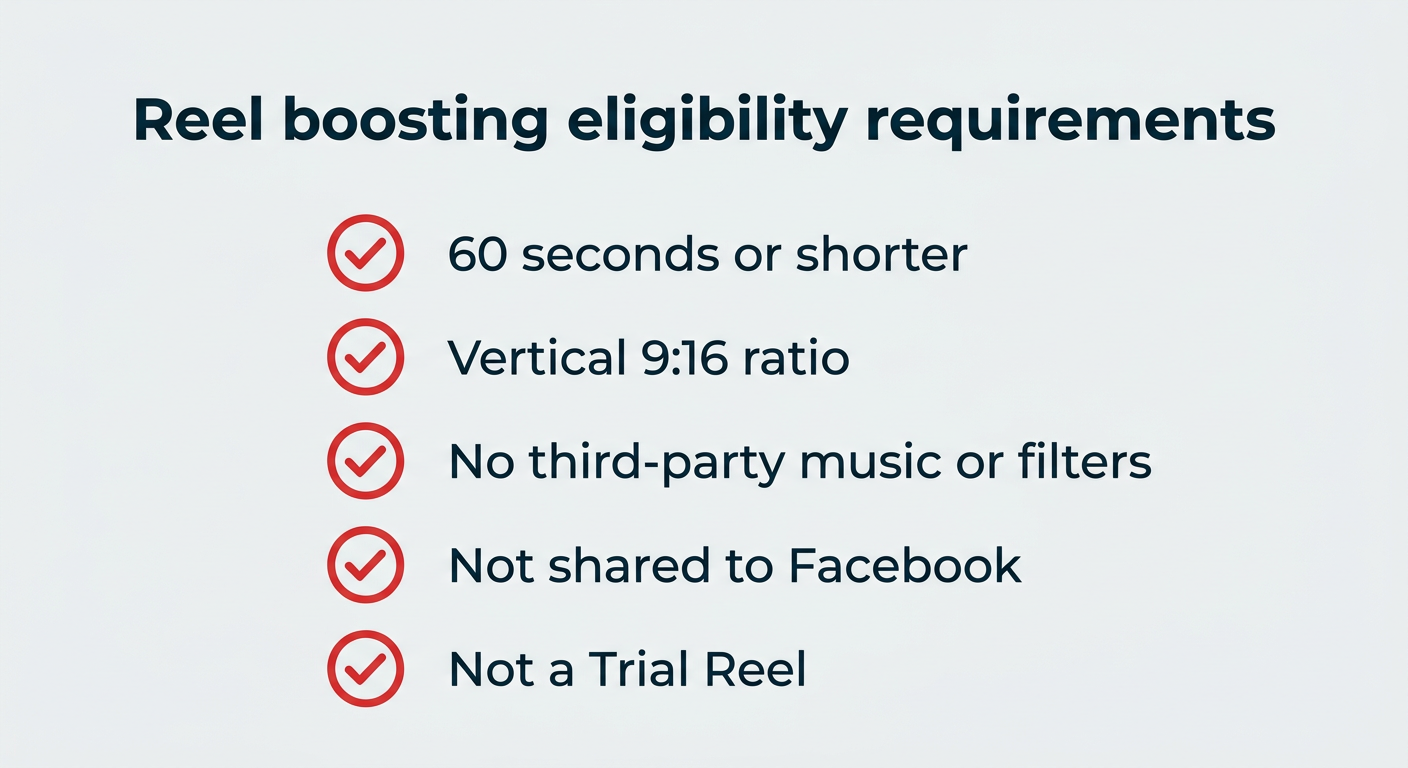
- Duration: Must be 60 seconds or shorter.
- Aspect Ratio: Must be shot in a vertical 9:16 format.
- Audio & Visuals: Must not include third-party copyrighted music, unauthorized filters, or prohibited visual elements.
- Cross-Posting and Formats: Trial Reels and content shared simultaneously to Facebook cannot be boosted.
If a Reel fails to meet these criteria, the "Boost" button will appear grayed out, or Instagram will reject the promotion post-submission. The most common pitfall is unauthorized commercial music; marketers must always utilize original audio or tracks sourced directly from Instagram’s official commercial audio library.
Step-by-Step: How to Boost Reels on Instagram
Executing a boost natively through the mobile application takes less than two minutes. Follow these six streamlined steps:

Step 1: Select Your Reel
Navigate to your profile grid or the dedicated Reels tab and tap on the specific video you wish to promote.
Step 2: Tap the Boost Prompt
If viewing from your profile grid, tap Boost post in the bottom right corner. If viewing from the Reels tab, select Boost Reel.

Step 3: Establish Your Objective
Choose what action you want viewers to take upon seeing your ad:
- Visit your profile
- Visit your website
- Send a direct message (which allows you to customize the call-to-action button)
Step 4: Define Your Target Audience
Select whether you want Instagram to handle targeting via Suggested audience, or build a custom parameter set based on location, age, gender, and interests. It is widely recommended to keep the Advantage+ audience toggle enabled, allowing Meta’s algorithm to intelligently expand your reach.

Step 5: Allocate Budget and Duration
Set a daily budget and determine how long the ad will run. Spending begins as low as $1 per day, though platform limits vary by region. Instagram will automatically generate estimated reach metrics based on your selections.
Step 6: Review and Launch
Verify your campaign parameters, link a valid payment method, and submit. Instagram reviews posts for compliance within 24 hours, though approvals often process within minutes.

Financial Breakdown: How Much Does It Cost?
Pricing for boosted Reels is entirely flexible, driven by daily budgets and custom durations rather than pay-per-click (PPC) or impression models.
Given that average ad prices across Meta platforms rose 12% year-over-year in Q1 2026, structuring your spending tiers effectively is crucial:

| Daily Budget | 7-Day Total | Strategic Use Case |
|---|---|---|
| $5 / day | $35 | Testing whether a new creative responds to paid distribution |
| $10 / day | $70 | Recommended baseline for small brands and creators |
| $20 / day | $140 | Scaling a proven organic performer |
| $50 / day | $350 | Product launches, time-sensitive campaigns, and brand drops |
A Critical iOS Warning: Boosting Reels directly through the Instagram app on iOS devices triggers a 30% Apple service fee. On a $100 mobile payment, roughly $30 covers Apple’s platform fees, leaving only $70 for actual ad spend. To bypass this fee entirely, execute boosts via desktop web browsers or integrated enterprise tools like Hootsuite.
Boosted Reels vs. Meta Ads Manager: Key Differences
While both strategies feed into the same Meta ad auction, their underlying control panels and strategic applications differ drastically.

- Setup Speed: Boosted Reels require 2 minutes of in-app interaction; Ads Manager demands a desktop setup with a steeper learning curve.
- Targeting: Boosted posts offer basic parameters (location, age, gender, interests); Ads Manager unlocks custom audiences, lookalikes, retargeting, and granular behavioral filters.
- Placements: Boosted Reels rely on automatic placements; Ads Manager allows full manual control across Feeds, Reels, Stories, Explore, and the Audience Network.
- Analytics: In-app insights provide basic performance metrics, while Ads Manager delivers full-funnel reporting, custom conversion attribution, and advanced data breakdowns.
Advanced Execution via Hootsuite
For enterprise teams and high-volume marketers, managing promotions natively inside the Instagram app can become cumbersome. Integrating social media management tools like Hootsuite streamlines the promotion pipeline.
Benefits of boosting via Hootsuite include unified multi-account management, single-page settings optimization, and advanced cross-channel analytics. To execute a boost through Hootsuite:

- Open your Instagram content stream within Hootsuite Social OS and select Boost post on your chosen Reel.
- Select your specific Instagram business page and connected ad account.
- Configure your campaign parameters—including objectives, special ad categories, and target audiences—on a single dashboard screen.
- Tap Boost on Instagram to launch the campaign instantly.
Strategic Value: Is Boosting Reels Worth It?
Boosted Reels are exceptionally valuable for extending the reach of organic content that has already proven successful. Because Reels ads reach an estimated 726.8 million users globally, they are unmatched tools for top-of-funnel brand awareness and engagement.
- Boost when: You want to amplify top-performing organic content, scale brand awareness, or quickly drive profile visits and top-of-funnel engagement.
- Skip boosting when: Your primary goal is direct online sales or qualified lead generation, which require the advanced conversion-tracking architecture of Meta Ads Manager.
Expert Insights: 10 Rules for Reels Promotion from Jason Keath
To uncover industry best practices, we consulted Jason Keath, co-founder of the marketing agency Social Fresh, whose advisory portfolio spans startups to Fortune 500 enterprises. Keath outlines ten core principles for maximizing Instagram Reels performance:

- Prioritize Audience Research: Conduct customer interviews to map out emotional triggers, pain points, and journey milestones before touching creative assets.
- Trust the Algorithms: Meta’s modern machine learning algorithms outperform hyper-specific manual targeting in most cases. Allow Advantage+ parameters to find your ideal buyers.
- Invest in Competitive Research: Audit at least three direct competitors to benchmark their creative styles, messaging frameworks, and audience interactions.
- Acknowledge Platform Limitations: Boosting is ideal for early-stage awareness, solo entrepreneurs, and brand-building campaigns, but shouldn’t replace full-funnel strategy.
- Focus on Top-of-Funnel Growth: Use paid social to capture attention and drive lightweight engagement (likes, shares, comments) rather than pushing immediate conversions.
- Test at Least Three Creatives: Isolate your variables by testing multiple video formats against a constant audience targeting profile.
- Adopt a $10 Daily Baseline: Start with conservative budgets and resist the urge to monitor performance hourly. Set your duration, let it run, and evaluate upon completion.
- Scale Run Times Gradually: Begin with 4-day testing bursts, scaling up to 7 or 10 days once a creative proves profitable. Beyond 10 days, creative fatigue sets in.
- Promote Proven Organic Winners: Only boost Reels that are already showing organic momentum. Over 30% of recommended Reels comprise same-day, fresh content.
- Experiment Relentlessly: Continuously monitor trending formats across the creator ecosystem and adapt those stylistic frameworks to your niche.
Common Pitfalls to Avoid
Marketers frequently waste ad spend due to preventable errors. Avoid these common mistakes:
- Boosting unproven content: Never spend money on a video that has zero organic traction.
- Ignoring technical specs: Failing to use vertical 9:16 video or inadvertently including third-party copyrighted music will result in immediate ad rejection.
- Micro-managing active boosts: Constantly editing active campaigns disrupts Meta’s algorithmic learning phase. Set your parameters and let the campaign run its course.
 Azzam Bilal Chamdy
  Basiran
  Jia Lissa