
 By Azzam Bilal Chamdy
Choosing the right hardware for content creation in the modern era is no longer a simple matter of comparing clock speeds. As the divide between casual social media storytelling and professional-grade cinematography widens, so too does the spectrum of hardware requirements. Whether you are cutting high-bitrate Log footage for a feature documentary or optimizing short-form clips for Instagram Reels, Apple’s current silicon-driven lineup offers a solution tailored to every stage of the professional pipeline.
However, the choice between portability and raw, stationary power is significant. This guide breaks down the current Mac landscape, helping you navigate the options for light-duty creative tasks versus heavy-duty production workflows.
The Landscape of Modern Content Creation
For years, the industry standard for content creation was synonymous with high-end desktop towers. Today, the introduction of Apple’s M-series silicon has fundamentally shifted the paradigm. With high-efficiency unified memory and advanced media engines built directly into the processor, the gap between a portable MacBook and a desktop Mac mini has narrowed significantly in terms of raw capability, even if their thermal limits differ.
To select the right machine, you must first define your "workload profile":
- Light Content Creation: Primarily phone-based content, 1080p or 4K SDR video, single-camera projects, and standard image editing in Photoshop.
- Heavy Content Creation: 10-bit Log footage, 8K raw workflows, heavy multicam editing, complex visual effects, and high-density 3D rendering.
Chronology: The Evolution of the M-Series Workflow
The shift to Apple Silicon began with the M1, but the current generation—represented by the M4 and M5 series—has moved beyond simple efficiency.
- The M1-M2 Era (2020-2022): Proved that ARM-based chips could outperform traditional x86 counterparts in video rendering while remaining cool and silent.
- The M3 Transition (2023): Introduced hardware-accelerated ray tracing and dynamic caching, which began to attract 3D artists who previously avoided the Mac ecosystem.
- The M4/M5 Breakthrough (2024-2025): The current generation has fully matured, with the M5 Pro and Max chips providing a level of sustained performance that rivals professional workstations, while the standard M5 brings desktop-level power to ultra-portable form factors.
Best Macs for Light Content Creation
If your workflow involves creating content for social platforms, vlogging, or basic graphic design, you do not need to overspend on high-end thermal overhead. You need portability and reliable, bursty performance.
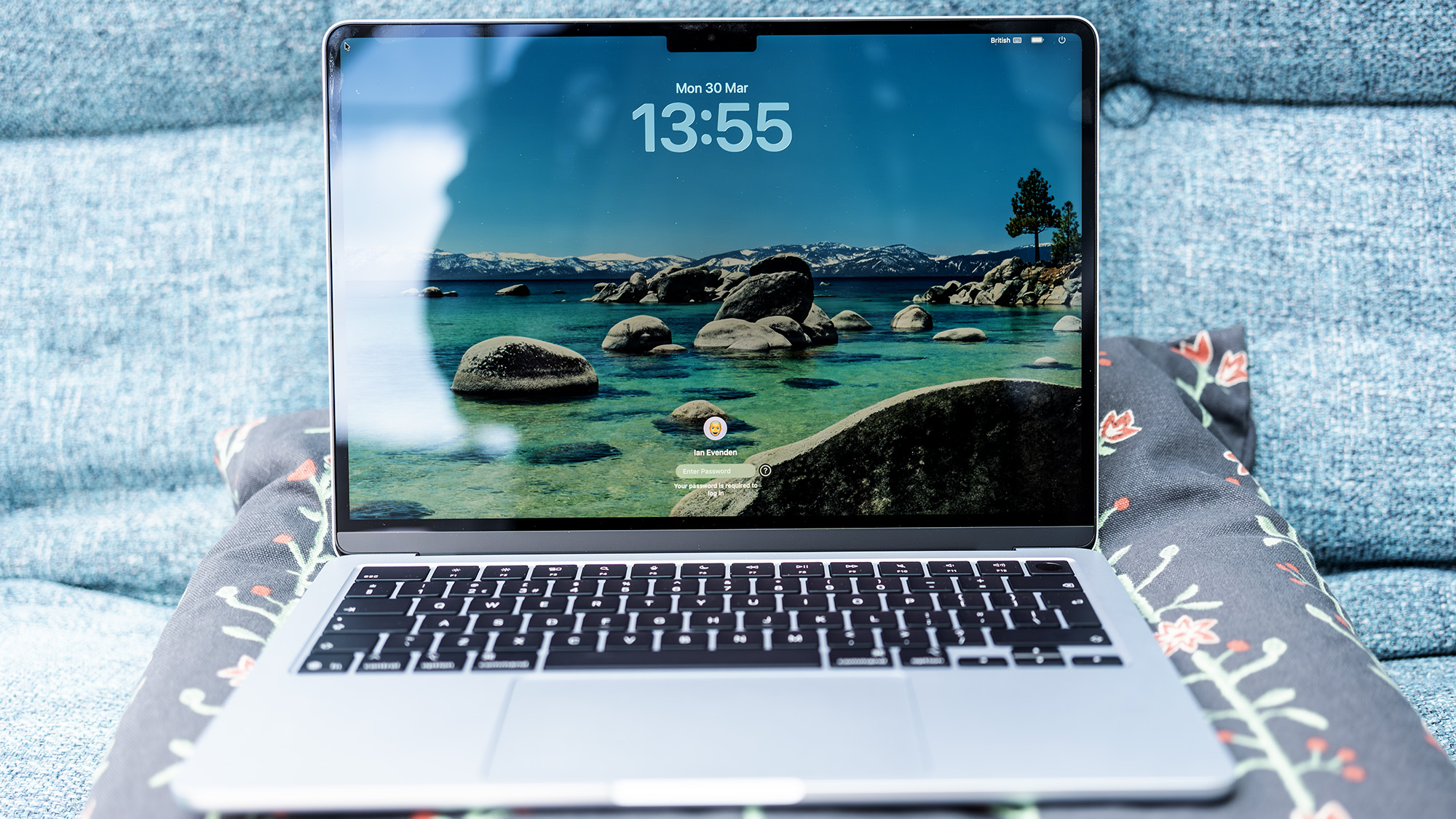
1. MacBook Air (M5): The Portable Powerhouse
The MacBook Air remains the definitive choice for mobile creators. Despite its ultra-thin chassis, the M5 chip is a revelation.
- Performance: In Geekbench 6 testing, the M5 Air performs within striking distance of the entry-level M5 MacBook Pro. In Photoshop, it is only 14% slower than its Pro sibling, making it more than adequate for high-resolution image manipulation.
- Limitations: The primary bottleneck for the Air is thermal throttling during long, sustained renders. If you are pushing raw footage through Premiere Pro for hours at a time, the Air will eventually throttle to maintain temperature. However, for 90% of creators, this gap is rarely felt.
- Configuration Note: The base 16GB RAM model is sufficient for most, but keep in mind that the Air tops out at 32GB. If your creative ambitions are scaling rapidly, this is a "plateau" machine.
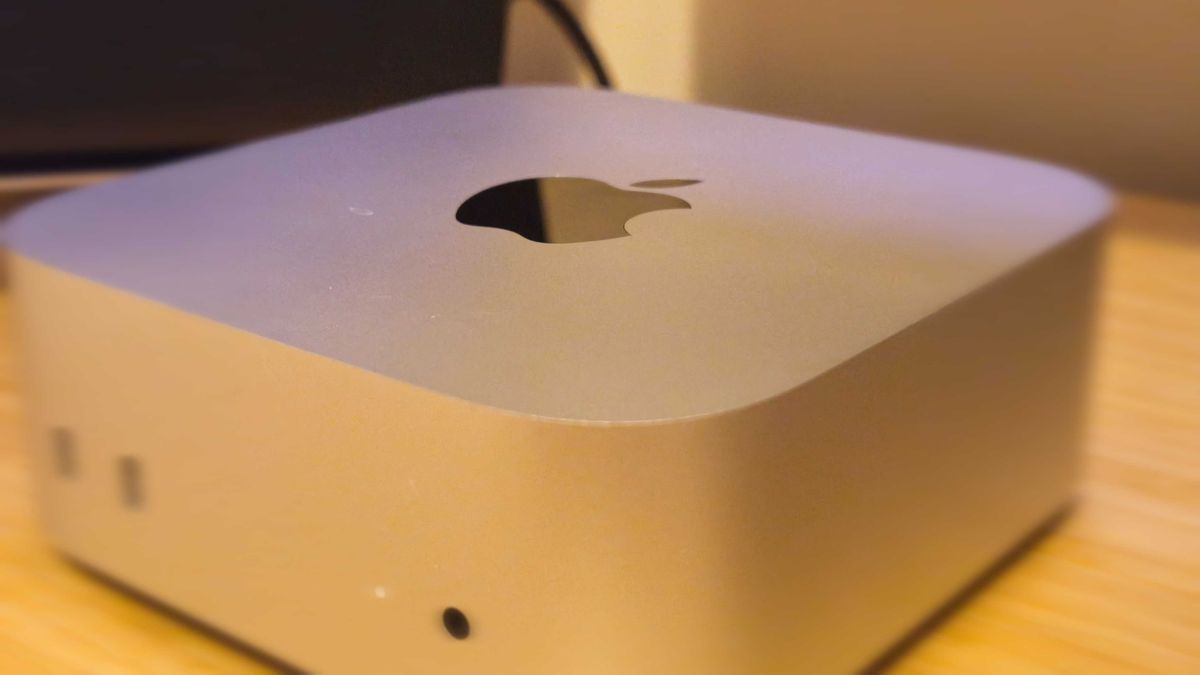
2. Mac Mini (M4): The Desk-Bound Value King
For those who do not require mobility, the Mac mini is the undisputed value champion.
- The Power-to-Price Ratio: The M4 Mac mini provides CPU performance that exceeds previous-generation Mac Studios. It is a tiny, silent engine capable of handling complex photo editing and light video production with ease.
- Connectivity: With three Thunderbolt 4 ports, HDMI, and Ethernet, it is a hub-ready device.
- Considerations: Since it does not include a display or peripherals, it is best suited for established studios where a high-quality monitor and input devices are already present.
Best Macs for Heavy Content Creation
Heavy workloads require sustained performance. If your timeline is filled with 10-bit Log footage, heavy color grading nodes, and multiple streams of 4K/8K video, you need a machine with active cooling and higher memory bandwidth.
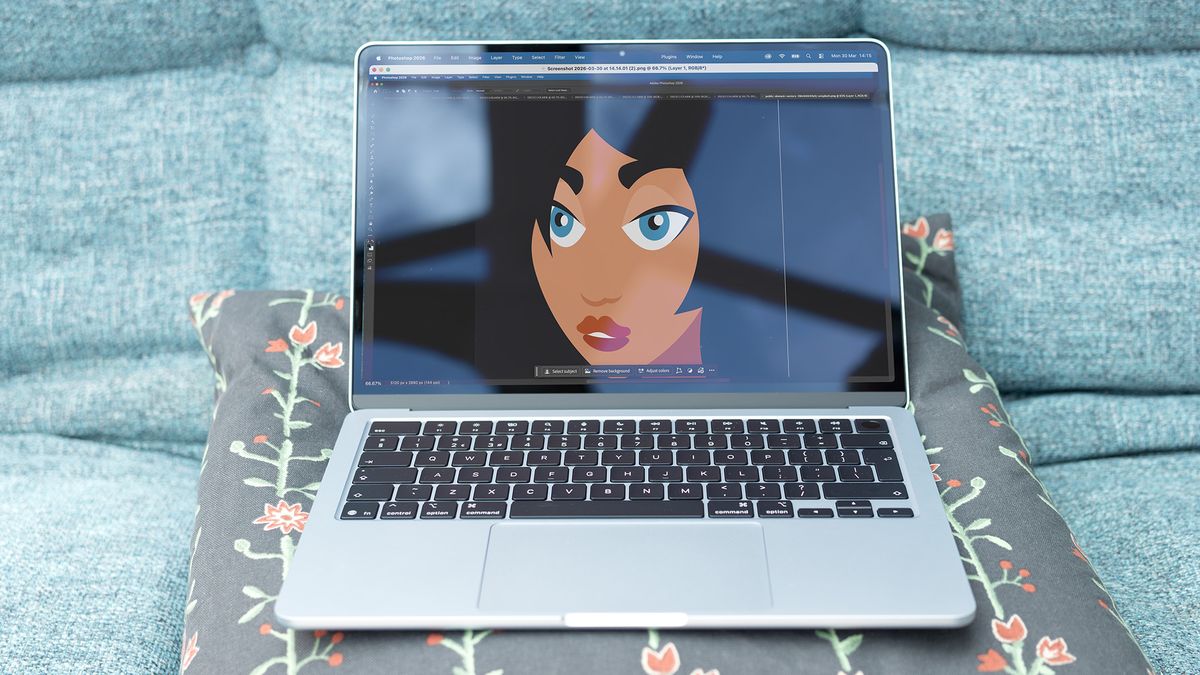
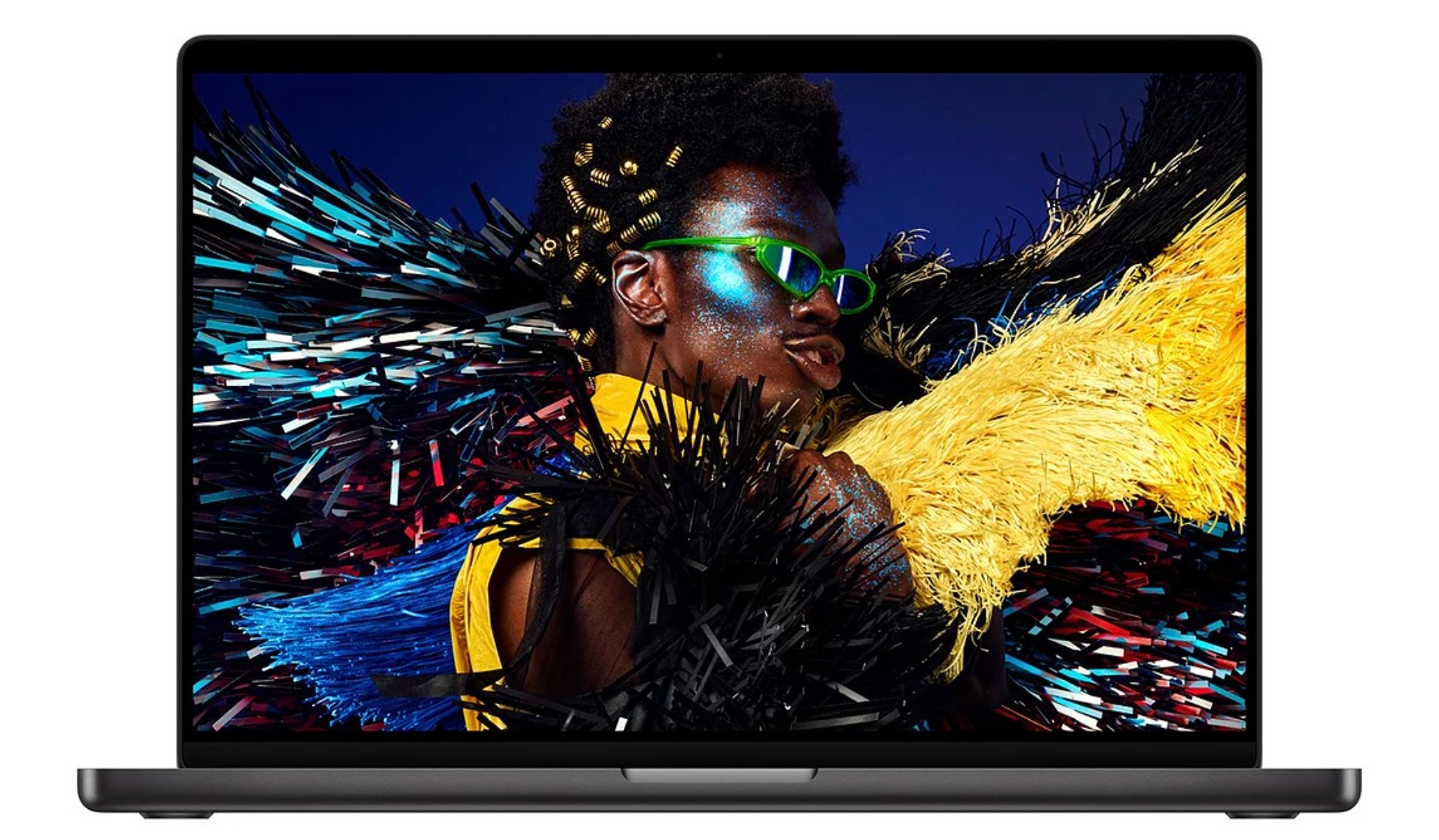
3. MacBook Pro (M5 Pro): The Professional Sweet Spot
The MacBook Pro M5 Pro is the gold standard for editors who need to work on location.
- Why the Pro Matters: Unlike the standard M5, the M5 Pro benefits from an advanced active cooling system. This allows the processor to maintain peak performance during long rendering sessions without the aggressive throttling seen in the Air.
- Memory Headroom: With the ability to configure up to 64GB of unified memory, this machine is future-proofed for memory-intensive applications like After Effects or complex Logic Pro sessions.
- Display Quality: The Liquid Retina XDR display is arguably the best laptop screen on the market, offering the HDR color accuracy required for professional color grading.
4. Mac Mini (M4 Pro / Upcoming M5 Pro): The Desktop Powerhouse
If your heavy-duty work is done at a desk, the M4 Pro Mac mini remains a formidable piece of hardware.
- Sustained Throughput: The M4 Pro features a 12-core CPU and 16-core GPU, capable of handling high-bitrate video proxies with ease.
- The "Wait" Factor: Apple has recently announced a new iteration of the Mac mini (M5 Pro). For those looking to invest, the arrival of the M5 Pro variant—featuring up to 18-core CPUs and Neural Accelerators—represents a significant upgrade for AI-driven workflows.
Supporting Data: Understanding the Bottlenecks
To make an informed purchase, one must look beyond "Core Counts."
| Component | Why it matters for creators |
|---|---|
| Unified Memory | Shared between CPU and GPU. 16GB is the absolute minimum for 4K; 32GB+ is recommended for 3D and heavy VFX. |
| Media Engine | A dedicated silicon block for hardware-accelerated H.264/HEVC/ProRes. This is why a base M5 beats a high-end Intel chip in video exports. |
| SSD Speed | Essential for scrubbing high-resolution timelines. Always prioritize a faster internal drive over cheap external storage. |
Implications for the Future
The move toward "Neural Accelerators" and integrated AI engines in the latest M-series chips implies that Apple is positioning the Mac to be the primary hub for local AI creative tools. If your workflow includes Generative Fill, AI upscaling, or automated rotoscoping, opting for a chip with a stronger Neural Engine (like the M5 Pro or Max) is a strategic investment that will pay dividends as software becomes increasingly AI-centric.
Furthermore, we are seeing a shift in GPU expectations. While Apple Silicon is unparalleled in video transcoding, Windows machines with dedicated Nvidia GPUs still hold a lead in pure AI image generation (e.g., Stable Diffusion) and heavy 3D rendering. For most, this is a minor trade-off, but for dedicated 3D artists, it remains a crucial consideration.
Official Perspective and Recommendations
Apple’s official stance emphasizes the ecosystem integration—the "continuity" between iPad, iPhone, and Mac. For content creators, this means that the choice of Mac is rarely just about the computer; it is about the speed at which your footage moves from a camera to a screen.
Final Verdict:
- For the Solo Creator/Social Media: The MacBook Air (M5) is the most efficient choice, offering unmatched value and portability.
- For the Pro-Studio/Video Editor: The MacBook Pro (M5 Pro) provides the thermal headroom necessary for professional-grade, long-form content.
- For the Desktop User: The Mac mini (M4/M5 Pro) remains the most logical choice, provided you have a high-quality display and a workstation setup ready to support it.
As we look toward the end of 2025, the overarching trend is clear: the hardware is no longer the bottleneck. The bottleneck is now the creator’s ability to leverage the immense power provided by Apple’s unified architecture. Choose the machine that fits your current workflow, but lean toward the "Pro" chips if you anticipate that your projects will grow in complexity within the next 24 months.
 Ali Ikhwan
  Laily UPN
  Iffa Jayyana