
 By Ammar Sabilarrohman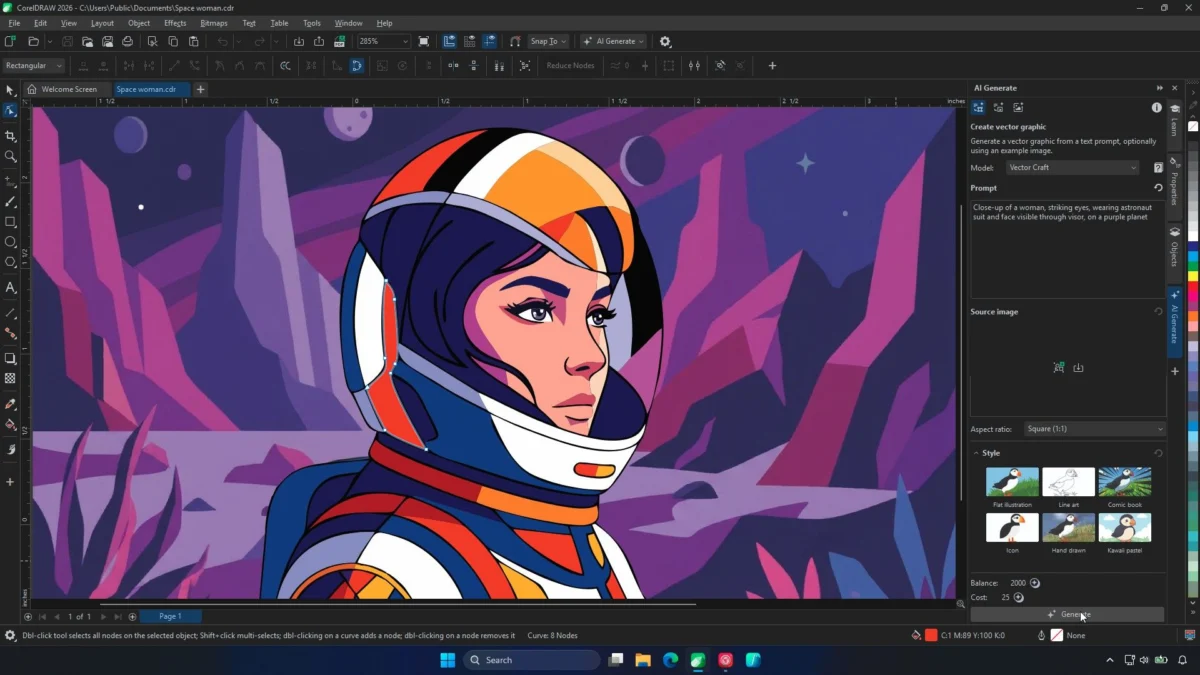
The integration of artificial intelligence into creative software has often felt like a race to see who can generate the most impressive, albeit static, imagery the fastest. For professional graphic designers, the novelty of "text-to-image" tools has worn thin, replaced by a more practical concern: utility. Earlier this year, when Corel first introduced AI tools into the CorelDRAW Graphics Suite, many in the design community were skeptical, questioning whether these additions were truly "vector-native" or merely fancy filters applied to raster images.
With the release of the September 2026 update, Corel appears to have addressed these concerns head-on. By introducing a "Text-to-Vector" feature that produces fully editable curves, nodes, and objects, the company is shifting the conversation from simple image generation to intelligent design assistance.
Main Facts: A New Paradigm for Vector Generation
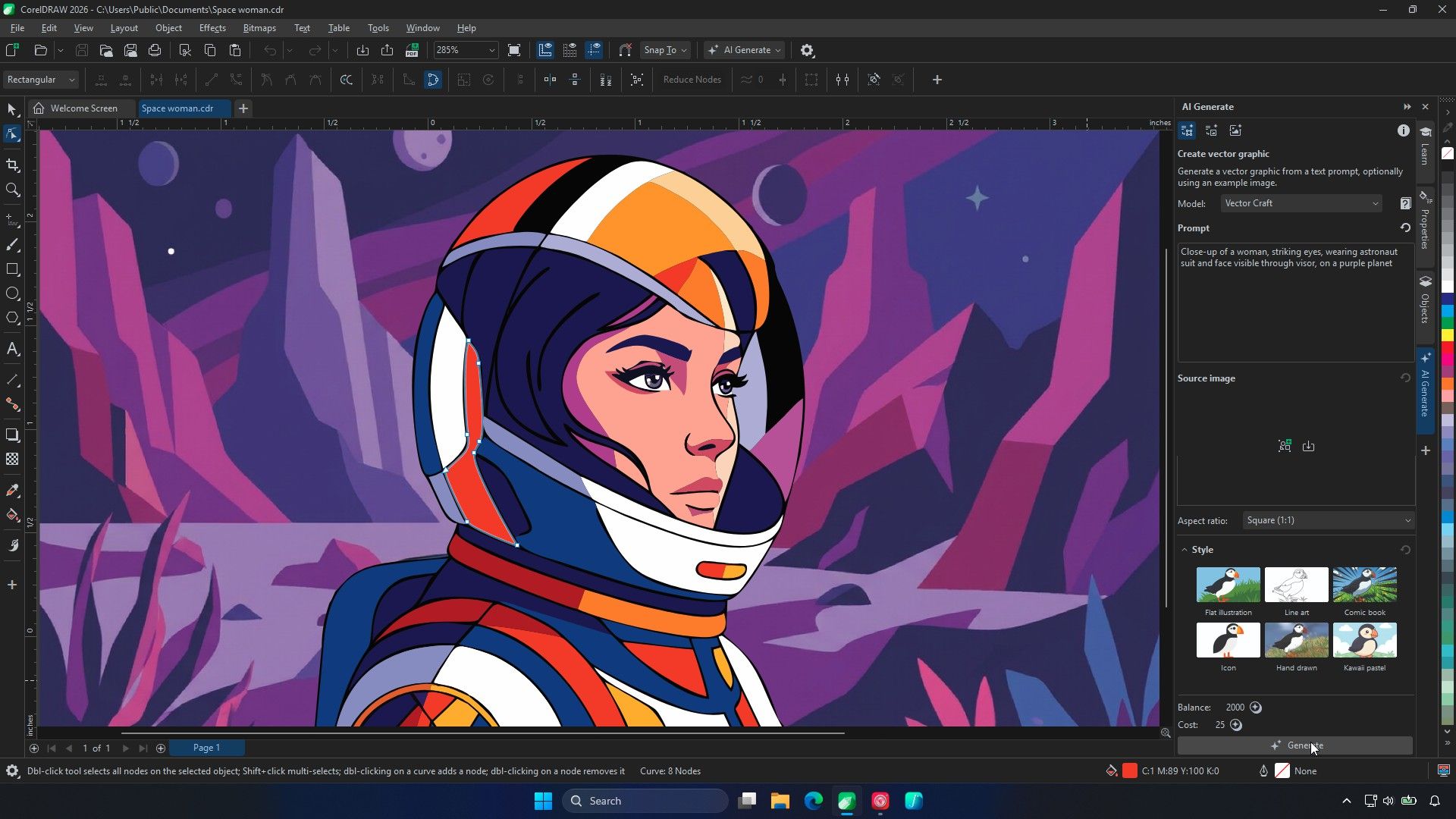
The headline feature of the September 2026 update is the sophisticated Text-to-Vector engine. Unlike previous iterations that merely generated flat, pixel-based images, this new tool generates native vector artwork. When a user inputs a text prompt—or, more impressively, provides a reference image—the AI interprets the design parameters to construct a vector object.
The significance here lies in the output: these are not "baked-in" images. They arrive in the user’s workspace as collections of distinct objects, paths, and nodes. Designers can manipulate colors, refine shapes, and adjust anchor points just as they would with a design created from scratch in the software.
Corel has segmented this capability into three distinct models to cater to different professional needs:
- Vector Spark: Designed for speed and efficiency, this model is optimized for simple assets, icons, and clip art.
- Vector Craft: The "all-rounder" of the set, balancing complexity and detail, suitable for most mid-level design tasks.
- Vector Master: The heavy lifter, designed to handle complex designs and generate multiple variations based on provided reference material.
The Chronology of Integration
To understand where Corel stands today, one must look at the recent evolution of their software suite. The journey began with foundational AI integrations that focused on automating tedious tasks, such as bitmap-to-vector tracing (PowerTRACE).
- Early 2026: Corel introduced its first foray into generative AI. The reception was mixed; while the tools were technically impressive, they lacked the "deep-edit" capability that professional vector artists require. The industry critique centered on the fact that the output felt "locked," requiring users to trace over AI-generated images to make them usable in a production environment.
- Mid-2026: Throughout the spring and summer, Corel’s beta testing phase focused heavily on incorporating user feedback. The core demand was clear: designers didn’t want to replace their creative process; they wanted to accelerate the "boring" parts of it.
- September 2026: The official launch of the Text-to-Vector feature marks a pivot. By allowing users to upload their own illustrations or logos as "seed" material, the software now respects the artist’s existing visual language rather than forcing a generic "AI look" onto a project.
Supporting Data: Why Workflow Matters
The most compelling aspect of the new update isn’t just the AI, but the refinement of existing tools. Corel has overhauled PowerTRACE, the company’s industry-standard vectorization engine. According to internal data provided by Corel, the updated PowerTRACE is up to four times faster than previous versions.
For a design firm handling high-resolution imagery, this is a significant efficiency boost. In the past, tracing an 8,000px image might have occupied a workstation for upwards of 30 minutes. The new engine manages these tasks with greater object structural integrity and more accurate color handling. By offloading these traditionally heavy, repetitive tasks, Corel is positioning the software to handle the massive file sizes typical of modern branding and signage projects.
Furthermore, the decision to run these generative tools in the cloud rather than on the user’s local GPU is a strategic one. While some power users might prefer local processing for privacy or offline capabilities, Corel’s Product Management team argues that the average vector artist does not necessarily utilize the ultra-high-end NVIDIA GPUs favored by 3D animators or video editors. By leveraging cloud infrastructure, Corel ensures that the "latest and greatest" hardware is working for the user, rather than forcing a hardware upgrade cycle on the creative community.
Official Responses: The Artist-Centric Approach
Jenny John, Product Management for CorelDRAW, has been at the forefront of this rollout. During recent demonstrations, her focus remained firmly on the "reference workflow."
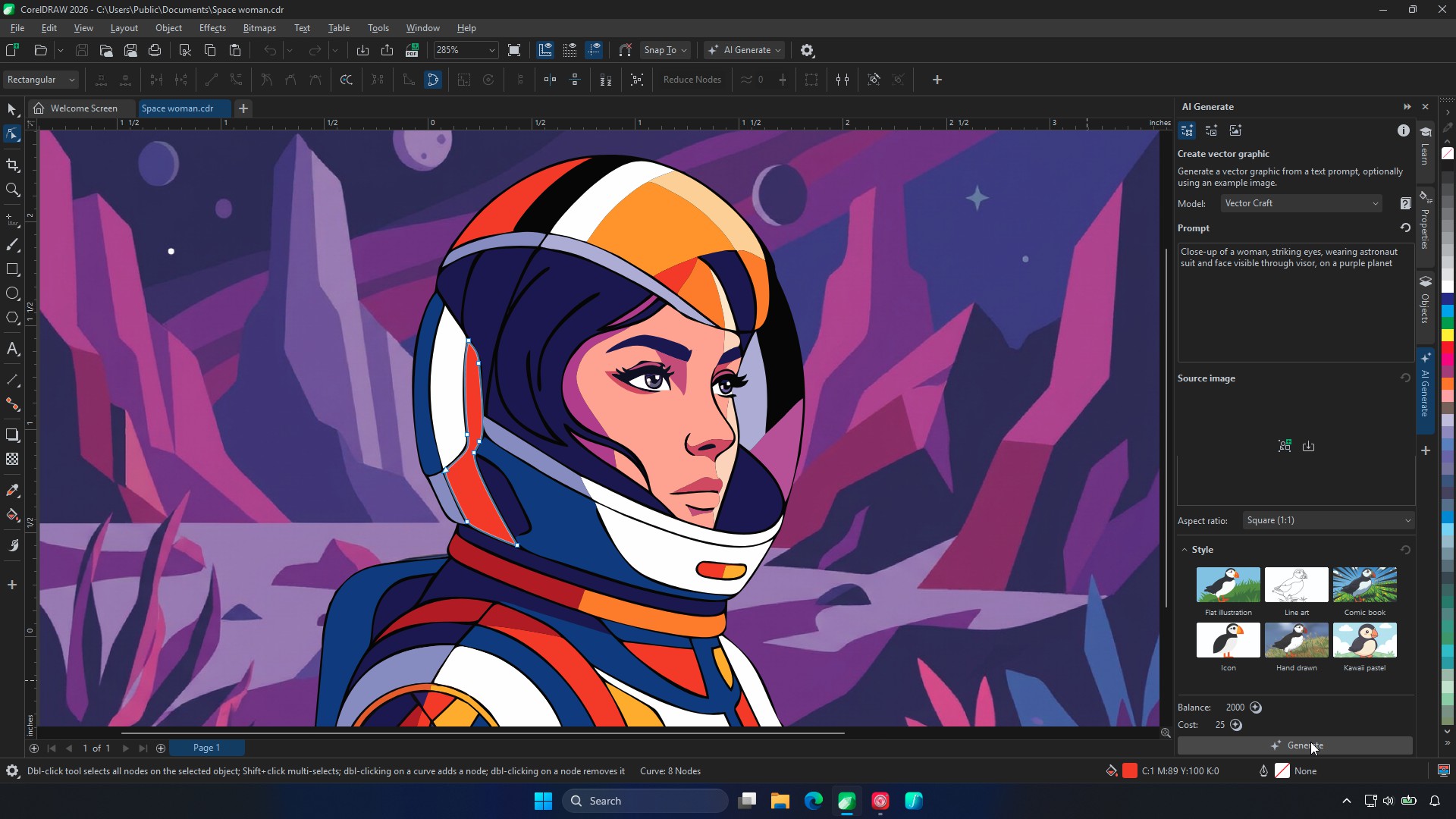
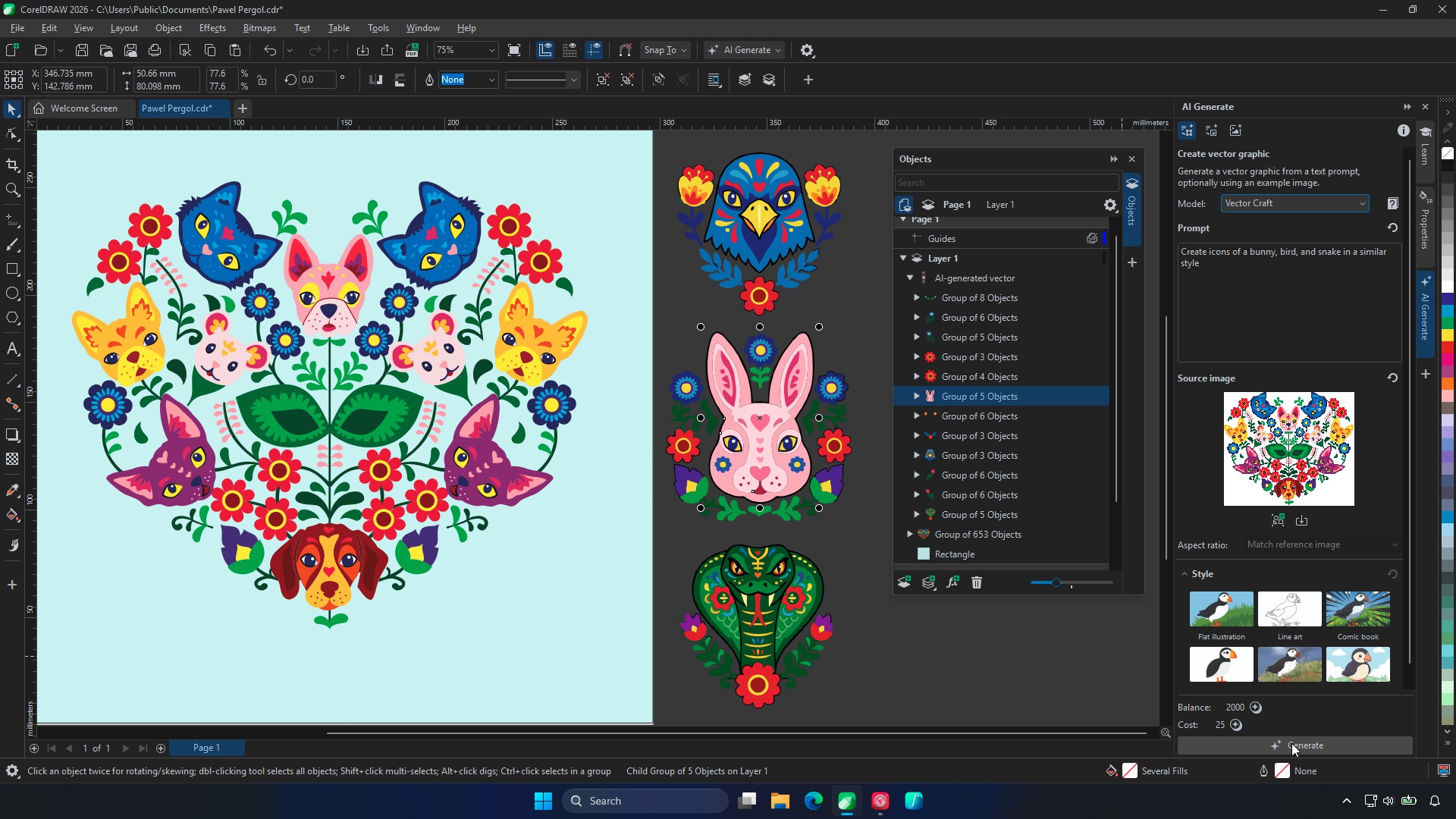
"That’s really where the artist’s work begins," John stated, pointing to an example where an illustration containing over 600 objects was used as a reference to generate new, stylistically consistent assets. "If you’ve already nailed your visual language, you don’t need an AI to invent one."
When questioned about the persistent designer frustration—that AI often "hallucinates" or overwrites desired elements during iteration—John acknowledged that the current technology is a work in progress. "That’s where we want to get to with AI," she admitted. "The more customizable it is, the better."
The feedback from beta testers has been telling. While professionals remain "picky" about automated tracing tools—rightfully guarding the quality of their professional output—they have been overwhelmingly positive about using the AI for the ideation phase. The ability to "spin up" multiple iterations of a logo concept or a background pattern provides a jump-start to the creative process that previously took hours of sketching and manual drafting.
Implications for the Future of Graphic Design
The implementation of these tools carries broader implications for the design industry. First, it signifies a shift in the definition of "computer-aided design." For decades, software has been a passive tool; the user provided all the intent. Now, the software acts as a collaborative partner.
The Human-in-the-Loop Necessity
The most important takeaway from Corel’s latest update is that the AI is not meant to be the final arbiter of a design. Because the AI output requires, or at least benefits from, manual refinement, the human designer remains the final gatekeeper. The "unfinished" nature of AI-generated vectors—which some might see as a flaw—is actually a feature for the professional. It ensures that the designer retains control over the final brand aesthetic, the precision of the curves, and the technical requirements of the print or digital output.
Accessibility and Browser-Based Power
Corel is also pushing hard into the accessibility space. By allowing subscribers to upload system, custom, and brand fonts to CorelDRAW Web, and by adding support for DWG and DXF exports in the browser version, the company is catering to a workforce that is increasingly mobile and collaborative. The barrier between "desktop-class" software and "browser-based" convenience is thinning.
The Economic Reality
With the CorelDRAW Graphics Suite priced at $269/£319 per year, or $549/£659 for a perpetual license, the value proposition relies heavily on time saved. If the new AI tools can save a designer just a few hours a month on tedious tasks like vectorization, clean-up, and initial ideation, the cost is easily justified. The launch promotion, offering a week of unlimited AI vector generations, is a smart way to let users test these capabilities against real-world client files, which is the only true benchmark of quality.
Final Thoughts: A New Standard?
The hype cycle for generative AI is currently hitting a wall of "so what?"—designers are tired of seeing cool pictures that they can’t actually use. Corel’s pivot to "editable vectors" is a mature response to this sentiment. By focusing on the craft of design—the nodes, the curves, and the objects—they are speaking the language of the professional artist.
Whether this technology will fundamentally replace junior-level design work remains a point of contention. However, for the working professional, these tools are shaping up to be an essential extension of the existing toolkit. The software is no longer just drawing the lines; it is now helping the artist decide where those lines should go, provided the artist is still the one holding the mouse. The true test will be the next six months, as these tools are subjected to the unforgiving scrutiny of tight deadlines and high-stakes client deliverables. If the AI holds up under those conditions, Corel may have set a new benchmark for what professional design software should look like in the age of intelligence.
 Ali Ikhwan
  Nana Muazin
  Iffa Jayyana